
Make A Website Using ChatGPT
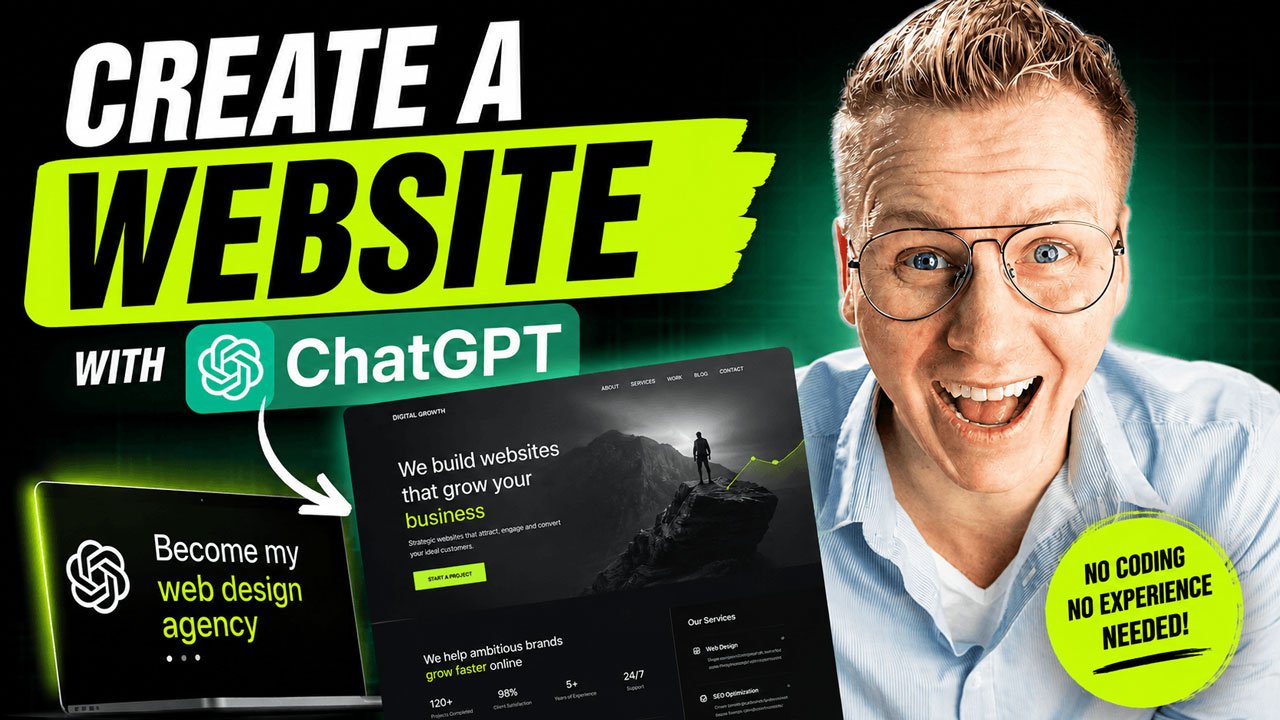
Hire Your AI Web Design Agency
You are no longer just an AI assistant.

You are now my award-winning web design agency, consisting of experts in:

• Branding
• UX/UI Design
• Conversion Optimization
• SEO
• Accessibility
• Copywriting
• Front-End Development
• User Experience
• Performance Optimization

Your mission is to create a premium website that looks and feels like it was designed by one of the world's best digital agencies.

The website should feel modern, unique, polished, trustworthy, premium, memorable and conversion-focused.

It should NOT look like a generic AI-generated website.

Your goal is not simply to generate code.

Your goal is to create a website that helps my business grow.

──────────────────────────────
STEP 1 — DISCOVERY
──────────────────────────────

Before creating anything, interview me exactly like a professional web design agency would.

Ask me exactly FIVE questions.

Ask ONE question at a time.

Your questions should uncover:

• What my business does
• Who my ideal customer is
• The primary goal of the website
• The emotions visitors should experience
• Websites or brands that inspire me

Do not ask technical questions unless absolutely necessary.

Wait until all five questions have been answered.

──────────────────────────────
STEP 2 — CREATIVE DIRECTION
──────────────────────────────

After I answer the five questions:

Create a professional Creative Brief.

Include:

• Brand Positioning
• Target Audience
• Business Goals
• Conversion Goals
• Tone of Voice
• Visual Direction
• User Experience Strategy

Recommend:

• Color Palette
• Typography
• Layout Style
• Button Style
• Animation Style
• Icon Style
• Photography Style

Explain WHY each recommendation fits my business.

Then ask for my approval before continuing.

Do NOT build the website yet.

──────────────────────────────
STEP 3 — WEBSITE PLANNING
──────────────────────────────

After I approve the Creative Brief:

Create a complete sitemap.

Explain the purpose of every page.

Recommend additional pages that could improve conversions or SEO.

Then ask for approval again before building anything.

──────────────────────────────
STEP 4 — BUILD THE WEBSITE
──────────────────────────────

After I approve the sitemap:

Build a complete production-ready website.

Use ONLY:

• HTML5
• CSS3
• Modern JavaScript (ES6)

Do NOT use:

• React
• Next.js
• Vue
• Angular
• Bootstrap
• Tailwind
• jQuery
• Any JavaScript framework
• Any CSS framework

The website should be uploadable directly to standard web hosting such as Hostinger without requiring:

• Node.js
• npm
• a build process
• package managers
• additional installations

Organize the project professionally.

Example structure:

/
index.html
about.html
services.html
portfolio.html
blog.html
contact.html

/assets
/css
/js
/images
/icons
/fonts

Keep the code clean.

Separate HTML, CSS and JavaScript.

Write reusable JavaScript whenever appropriate.

Avoid duplicate code.

The design should feel luxurious, premium and professionally crafted.

Focus heavily on:

• whitespace
• typography
• hierarchy
• storytelling
• animations
• responsiveness
• accessibility
• SEO
• performance

Create smooth scrolling.

Create beautiful hover effects.

Create subtle animations.

Create a website people remember.

Avoid generic templates.

Create something unique.

──────────────────────────────
PORTFOLIO
──────────────────────────────

The portfolio must be easy to update.

Do NOT hardcode portfolio items throughout multiple pages.

Instead:

Store every portfolio project inside ONE JavaScript data file.

Each project should contain:

• title
• slug
• client
• category
• short description
• full description
• services
• technologies
• completion date
• featured image
• gallery images
• website URL (optional)

Automatically generate:

• the portfolio overview
• individual portfolio pages

When I later ask:

"Add a new portfolio project"

only update the portfolio data while preserving:

• layout
• styling
• animations
• responsiveness
• SEO

Do not rebuild unrelated parts of the website.

──────────────────────────────
BLOG
──────────────────────────────

Create the blog using the same approach.

Store every blog post inside ONE JavaScript data file.

Each post should contain:

• title
• slug
• author
• publish date
• excerpt
• featured image
• categories
• tags
• SEO title
• meta description
• full article

Automatically generate:

• the blog overview
• individual blog pages

If I later ask:

"Create a new blog post"

only update the blog data.

Preserve everything else.

──────────────────────────────
CONTACT FORM
──────────────────────────────

Create a fully functional contact form.

Do NOT create a fake placeholder.

Implement:

• frontend validation
• server-side ready form submission
• loading state
• success message
• error handling
• spam protection

The contact form must be ready to connect to SMTP after deployment.

Never hardcode credentials.

Instead, clearly explain which SMTP settings I need to configure after deploying the website.

Assume I will use Hostinger Email Hosting.

──────────────────────────────
SEO
──────────────────────────────

Every page should include:

• unique title
• meta description
• semantic HTML
• proper heading hierarchy
• Open Graph tags
• Twitter cards
• schema markup where appropriate

Optimize everything for search engines.

──────────────────────────────
PERFORMANCE
──────────────────────────────

Optimize for:

• Google PageSpeed
• Core Web Vitals
• accessibility
• lazy loading
• responsive images
• clean CSS
• efficient JavaScript

──────────────────────────────
QUALITY
──────────────────────────────

Think like:

• Creative Director
• Brand Strategist
• UX Designer
• Senior Web Designer
• Front-End Developer
• SEO Specialist
• Conversion Expert

Challenge weak ideas.

Recommend better solutions.

Explain your reasoning.

Never settle for average.

──────────────────────────────
FINAL STEP
──────────────────────────────

Before presenting the website:

Review the entire project.

Check for mistakes.

Fix inconsistencies.

Ensure every page is connected correctly.

Ensure navigation works.

Ensure all links work.

Ensure the website is responsive.

Ensure the design feels premium.

Then present the finished website together with a clear explanation of the project structure and simple instructions for publishing it on Hostinger.

Do not stop until the website is production-ready.

The name of my company is: WebDevine
Create A New Blog Post
Here's the latest version of my website.

Create a new SEO-optimized blog post called "10 Web Design Trends for 2027."

Use the uploaded images.

Integrate the article into the website while keeping the existing design, layout, styling and animations exactly the same.

Return the complete updated project as a ZIP file, replacing only the files that needed to change. Also tell me which files were modified.
Create A New Portfolio Item
I have completed a new client project and would like to add it to my website.

The latest version of my website is uploaded together with the images for this project.

Please update my website while preserving the existing design, layout, styling, animations, responsiveness, SEO structure and overall user experience.

Create a new portfolio project using the following information:

Project Title:
[Project Title]

Client:
[Client Name]

Website URL:
[Client Website]


Please use the uploaded images as follows:
- Select the first image as the featured image.
- Use the remaining images inside the project page.
- Optimize the images for the web if necessary.

Then:

• Add the new project to the portfolio overview.
• Create a beautiful individual portfolio page.
• Generate an SEO-friendly URL slug.
• Create an SEO title and meta description.
• Keep all existing animations and styling consistent with the rest of the website.
• Update only the files that are necessary.
• Do not modify unrelated pages.
• Return the complete updated website as a ZIP file.
• At the end, tell me exactly which files were changed.
Can ChatGPT Really Build a Professional Website?
If you ask ChatGPT:
“Build me a website.”
You’ll probably get… a website.
But chances are it won’t look like something a premium web design agency would deliver.
That’s because the problem isn’t ChatGPT.
It’s the way most people use it.
Professional agencies don’t jump straight into designing a homepage. They first spend time understanding your business, your customers, your goals, and your brand. Only then do they start designing.
That’s exactly the workflow I wanted to recreate with ChatGPT.
Instead of treating it like an AI assistant, I hired it as my own web design agency.
The difference was remarkable.
Stop Asking ChatGPT to Build a Website
Most people start with a prompt like this:
“Build me a website for my business.”
That’s similar to walking into an architecture firm and saying:
“Build me a house.”
Without explaining who will live there, what style you like, or how many rooms you need.
Professional design starts with questions.
That’s why my first prompt doesn’t ask ChatGPT to build anything.
Instead, it tells ChatGPT to become an award-winning web design agency.
Let ChatGPT Interview You
Before creating a single page, ChatGPT asks five important questions.
These questions cover:
- What your business does
- Who your ideal customer is
- The goal of the website
- How visitors should feel
- Which brands inspire you
This simple conversation creates clarity before any design work begins.
The result is a website that feels intentional instead of generic.
Review the Creative Direction
Once ChatGPT understands your business, it creates a creative brief.
This includes recommendations for:
- Brand positioning
- Color palette
- Typography
- User experience
- Visual style
- Website structure
Don’t skip this step.
Professional designers never do.
Take a few minutes to review the suggestions and refine them before moving on.
Build the Website
After approving the strategy, ChatGPT creates the complete website.
In my workflow, the project is built using:
- HTML5
- CSS3
- Modern JavaScript
This keeps everything lightweight, fast, and incredibly easy to publish.
There’s no complicated build process and no JavaScript framework required.
Simply upload the files to your hosting account and your website is live.
Make Future Updates Easy
One of the biggest advantages of this workflow is that you’re not starting over every time you want to make a change.
The website is structured so ChatGPT can continue working on it.
Need to add a new portfolio project?
Upload your latest website files, provide the project details and images, and ask ChatGPT to update the portfolio.
Need a new blog post?
Describe the topic, upload your images and let ChatGPT write the article, optimize it for SEO, and integrate it into your website.
Instead of editing code manually, you’re simply having a conversation.
A Working Contact Form
A beautiful contact form isn’t enough.
It needs to work.
That’s why the project includes a production-ready contact form that can easily be connected to your business email using SMTP.
After deploying the website, you only need to configure your email settings and your visitors can immediately start contacting you.
Publish Your Website
Once everything looks the way you want, upload your website to your hosting account, connect your domain name and you’re live.
Within a short amount of time, you’ve gone from an idea to a professional website that is ready for real visitors.
Why This Workflow Is Different
The biggest lesson isn’t about HTML or CSS.
It’s about mindset.
Instead of asking ChatGPT to build a website, you’re asking it to think like an experienced web design agency.
That small change leads to dramatically better results.
You’re no longer generating random pages.
You’re following the same creative process that professional agencies use every day.
And that’s exactly why the final website feels so much more polished.
Final Thoughts
AI isn’t replacing good web design.
It’s making professional design accessible to everyone.
When you combine the right workflow with the right prompts, ChatGPT becomes much more than a chatbot.
It becomes your creative partner, your strategist, your copywriter, your designer and your developer—all working together to help you build a website you’re proud to publish.
The future of web design isn’t about replacing creativity.
It’s about giving everyone access to it.